Beta
Next

The browser extension is a beta feature with unique risks—stay alert and protect yourself from bad actors.

Learn how

`; document.body.appendChild(el); return el; } const bubble = ensureBubble(); const elH = bubble.querySelector("#tt-title"); const elB = bubble.querySelector("#tt-body"); const elClose = bubble.querySelector(".tt-close"); // ---------------- Parse [[term|heading|body]] anywhere ---------------- const TOKEN_RE = /\[\[([^|\]]+)\|([^|\]]+)\|([^\]]+)\]\]/g; const BLOCK_SKIP = new Set(["SCRIPT","STYLE","NOSCRIPT","TEXTAREA","INPUT","SELECT","CODE","PRE","TEMPLATE","IFRAME"]); function shouldSkipTextNode(n){ let el = n.parentElement; while (el){ if (BLOCK_SKIP.has(el.tagName) || el.isContentEditable) return true; el = el.parentElement; } return false; } const walker = document.createTreeWalker(document.body, NodeFilter.SHOW_TEXT); const textNodes = []; while (walker.nextNode()){ const n = walker.currentNode; if (!n.nodeValue || shouldSkipTextNode(n)) continue; if (TOKEN_RE.test(n.nodeValue)) textNodes.push(n); TOKEN_RE.lastIndex = 0; } textNodes.forEach(node => { const frag = document.createDocumentFragment(); const insideLink = !!node.parentElement.closest("a"); let text = node.nodeValue, last = 0; TOKEN_RE.lastIndex = 0; let m; while ((m = TOKEN_RE.exec(text))){ if (m.index > last) frag.appendChild(document.createTextNode(text.slice(last, m.index))); const term=m[1].trim(), heading=m[2].trim(), body=m[3].trim(); const t = insideLink ? document.createElement("span") : document.createElement("button"); if (insideLink){ t.setAttribute("role","button"); t.setAttribute("tabindex","0"); } else { t.type="button"; } t.className="tt-trigger"; t.textContent=term; t.setAttribute("data-tt-h", heading); t.setAttribute("data-tt-b", body); t.setAttribute("aria-haspopup","dialog"); t.setAttribute("aria-expanded","false"); frag.appendChild(t); last = TOKEN_RE.lastIndex; } if (last = 2) return el; el = el.parentElement; } // Fallback: nearest non-inline container el = trigger.parentElement || document.body; while (el && el !== document.body){ const d = getComputedStyle(el).display; if (d !== "inline" && d !== "contents") return el; el = el.parentElement; } return document.body; } // Utility: child of `ancestor` that contains `target` (direct child) function directChildContaining(ancestor, target){ for (const ch of ancestor.children){ if (ch === target || ch.contains(target)) return ch; } return null; } function getElementTarget(e) { // If target is already an Element, use it if (e.target instanceof Element) return e.target; // Otherwise, walk the composed/path for the first Element const path = (typeof e.composedPath === 'function') ? e.composedPath() : []; for (const n of path) if (n instanceof Element) return n; return null; } // ---------------- Dim everything except the trigger branch (sibling branches only) ---------------- function dimAllOtherBranches(container, trigger){ undim(); // clear previous const dimEls = []; const wrappedTexts = []; const pathEls = []; // Build ELEMENT-only path [container -> ... -> trigger] const path = []; for (let el = trigger; el && el !== container; el = el.parentElement) path.push(el); path.push(container); path.reverse(); // At each ancestor level, find the *direct* child that leads to the trigger for (let i = 0; i { if (node.nodeType !== 3) return; // text only if (!node.nodeValue || !node.nodeValue.trim()) return; // If this text node sits inside branchChild, skip if (branchChild && branchChild.contains && branchChild.contains(node)) return; const span = document.createElement("span"); span.style.transition = `opacity ${DIM_EASE_MS}ms ease`; span.style.opacity = String(DIM_OPACITY); span.textContent = node.nodeValue; node.parentNode.replaceChild(span, node); wrappedTexts.push(span); }); // Keep a reference to the path elements (so we can explicitly restore opacity if needed) if (anc && anc.nodeType === 1) pathEls.push(anc); } // Hard-guard: explicitly set opacity:1 on the entire path to neutralize any inherited fade pathEls.forEach(el => { el.style.opacity = "1"; }); dimCtx = { container, dimEls, wrappedTexts, pathEls }; } function undim(){ if (!dimCtx) return; const { dimEls, wrappedTexts, pathEls } = dimCtx; // Animate back dimEls.forEach(el => { el.style.transition = `opacity ${DIM_EASE_MS}ms ease`; el.style.opacity = "1"; // remove inline style after the animation so we don't override site CSS setTimeout(() => { if (el) el.style.opacity = ""; }, DIM_EASE_MS + 50); }); wrappedTexts.forEach(span => { span.style.transition = `opacity ${DIM_EASE_MS}ms ease`; span.style.opacity = "1"; span.addEventListener("transitionend", () => { if (!span.parentNode) return; span.parentNode.replaceChild(document.createTextNode(span.textContent || ""), span); }, { once:true }); }); // Clear hard-guard on path pathEls.forEach(el => { if (el) el.style.opacity = ""; }); dimCtx = null; } // ---------------- Positioning (centered, edge-aware, flip) ---------------- function clamp(v,min,max){ return Math.max(min,Math.min(max,v)); } function measureBubbleForPlacement(){ const wasOpen = bubble.classList.contains("is-open"); if (!wasOpen){ bubble.style.visibility="hidden"; bubble.classList.add("is-open"); } const rect = bubble.getBoundingClientRect(); if (!wasOpen){ bubble.classList.remove("is-open"); bubble.style.visibility=""; } return { w: rect.width, h: rect.height }; } function placeAnchored(trigger){ const vw=innerWidth, vh=innerHeight; const r = trigger.getBoundingClientRect(); const { w, h } = measureBubbleForPlacement(); let left = r.left + (r.width/2) - (w/2); left = clamp(left, EDGE_PADDING, Math.max(EDGE_PADDING, vw - EDGE_PADDING - w)); const topBelow = r.bottom + OFFSET_Y; const spaceBelow = vh - topBelow - EDGE_PADDING; const placeBelow = spaceBelow >= h; let top = placeBelow ? topBelow : (r.top - h - OFFSET_Y); top = clamp(top, EDGE_PADDING, Math.max(EDGE_PADDING, vh - EDGE_PADDING - h)); bubble.style.left = left + "px"; bubble.style.top = top + "px"; const br = bubble.getBoundingClientRect(); if (br.bottom > vh - EDGE_PADDING){ bubble.style.maxHeight = (vh - 2*EDGE_PADDING) + "px"; bubble.style.overflowY = "auto"; } else { bubble.style.maxHeight = "none"; bubble.style.overflowY = "visible"; } } // ---------------- Open / Close (place → fade/scale) ---------------- function animateIn(){ bubble.style.transition = "none"; bubble.style.opacity = "0"; bubble.style.transform = "scale(0.95)"; void bubble.offsetWidth; bubble.style.transition = "opacity .18s ease, transform .18s ease"; bubble.style.opacity = "1"; bubble.style.transform = "scale(1)"; } function animateOut(done){ bubble.style.transition = "opacity .16s ease, transform .16s ease"; bubble.style.opacity = "0"; bubble.style.transform = "scale(0.95)"; const end = () => { bubble.removeEventListener("transitionend", end); done && done(); }; bubble.addEventListener("transitionend", end); setTimeout(end, 260); } function openFromTrigger(trigger){ if (current && current !== trigger) forceClose(); current = trigger; trigger.setAttribute("aria-expanded","true"); elH.textContent = trigger.getAttribute("data-tt-h") || ""; elB.textContent = trigger.getAttribute("data-tt-b") || ""; bubble.classList.add("is-open"); bubble.setAttribute("aria-hidden","false"); placeAnchored(trigger); animateIn(); const container = findTextContainer(trigger); dimAllOtherBranches(container, trigger); hoverCount = 0; cancelCloseTimer(); } function forceClose(){ if (!current) return; bubble.classList.remove("is-open"); bubble.setAttribute("aria-hidden","true"); current.setAttribute("aria-expanded","false"); current = null; undim(); hoverCount = 0; cancelCloseTimer(); } function closeWithAnim(){ if (!current) return; const t = current; animateOut(() => { bubble.classList.remove("is-open"); bubble.setAttribute("aria-hidden","true"); t.setAttribute("aria-expanded","false"); current = null; undim(); }); } function scheduleClose(){ cancelCloseTimer(); closeTimer = setTimeout(() => { if (hoverCount { if (isCoarse()) return; const target = getElementTarget(e); if (!target) return; const t = target.closest(".tt-trigger"); if (!t) return; onZoneEnter(); if (!current || current !== t) openFromTrigger(t); }; const handleLeave = (e) => { if (isCoarse()) return; const target = getElementTarget(e); if (!target) return; const t = target.closest(".tt-trigger"); if (!t) return; onZoneLeave(); }; document.addEventListener("pointerenter", handleEnter, true); document.addEventListener("mouseenter", handleEnter, true); document.addEventListener("pointerleave", handleLeave, true); document.addEventListener("mouseleave", handleLeave, true); // ---------------- Keyboard ---------------- document.addEventListener("focusin", (e) => { if (!e.target) return; const t = e.target.closest(".tt-trigger"); if (t) openFromTrigger(t); }); document.addEventListener("focusout", (e) => { if (!e.target) return; const t = e.target.closest(".tt-trigger"); if (t && current === t) closeWithAnim(); }); // ---------------- Mobile / coarse ---------------- document.addEventListener("pointerdown", (e) => { if (!isCoarse()) return; const t = e.target.closest(".tt-trigger"); if (!t) return; e.preventDefault(); e.stopPropagation(); if (current === t && bubble.classList.contains("is-open")) { closeWithAnim(); return; } openFromTrigger(t); }, true); document.addEventListener("click", (e) => { if (!isCoarse()) return; if (!bubble.classList.contains("is-open")) return; const inBubble = !!e.target.closest(".tt-bubble"); const onTrigger = !!e.target.closest(".tt-trigger"); if (!inBubble && !onTrigger) closeWithAnim(); }, true); // Close button + ESC elClose.addEventListener("click", closeWithAnim); document.addEventListener("keydown", (e) => { if (e.key === "Escape") closeWithAnim(); }); // Reposition on resize/scroll while open const reposition = () => { if (!current) return; placeAnchored(current); }; addEventListener("resize", reposition, { passive: true }); addEventListener("scroll", reposition, { passive: true }); });

A helping hand across all your tabs

Claude can navigate, click, and fill forms in your browser. Works with Claude Code, Cowork, and Claude Desktop for end-to-end workflows. Available in beta to all paid subscribers.
Add to Chrome
Watch demo
Next

A helping hand across all your tabs

Let your browser work for you. Claude can navigate, click buttons, and fill forms on Chrome.

Play video

From browser research to finished deliverables

Pair Claude in Chrome with Cowork to turn web research into polished content. Chrome navigates and gathers information, Cowork produces Excel models, comparison decks, and reports without having to copy and paste.

Works with Claude Code

Connect development workflows to Chrome for a partner that tests and iterates with you.
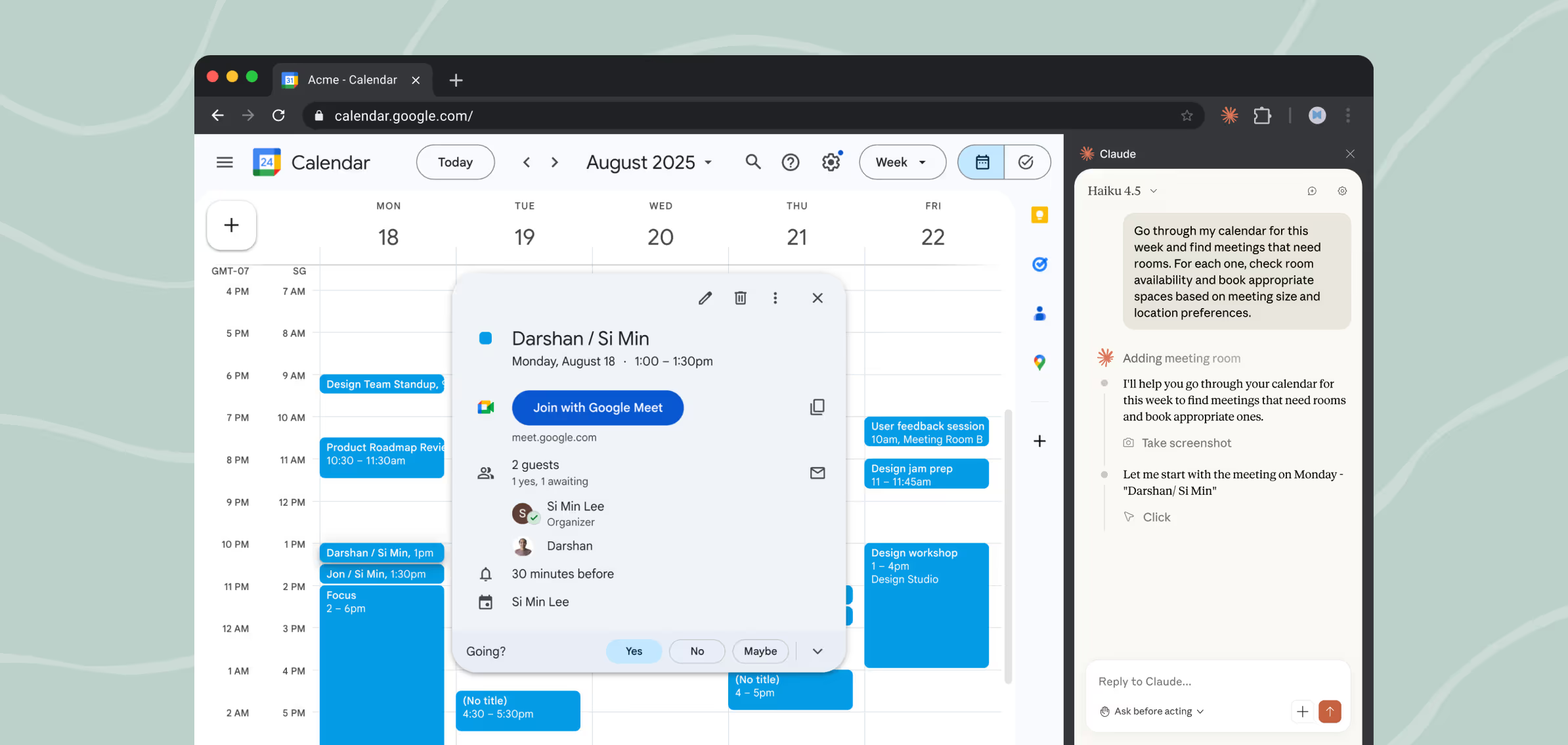
Uses your everyday tools

Bring Claude into your workflow to make apps work better, without leaving the browser.  
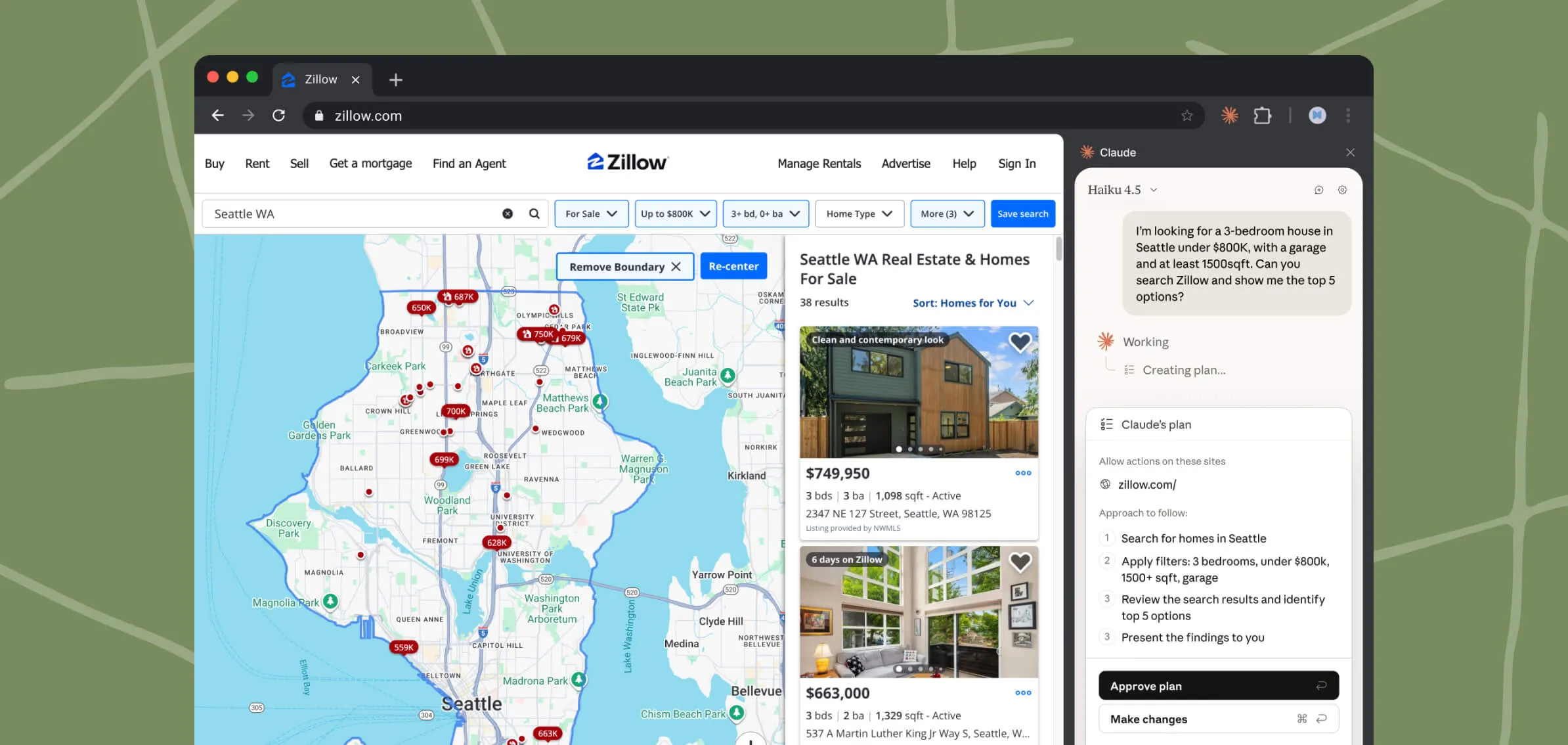
Runs tasks in the background

Start a workflow and move on. Claude completes tasks while you focus elsewhere.
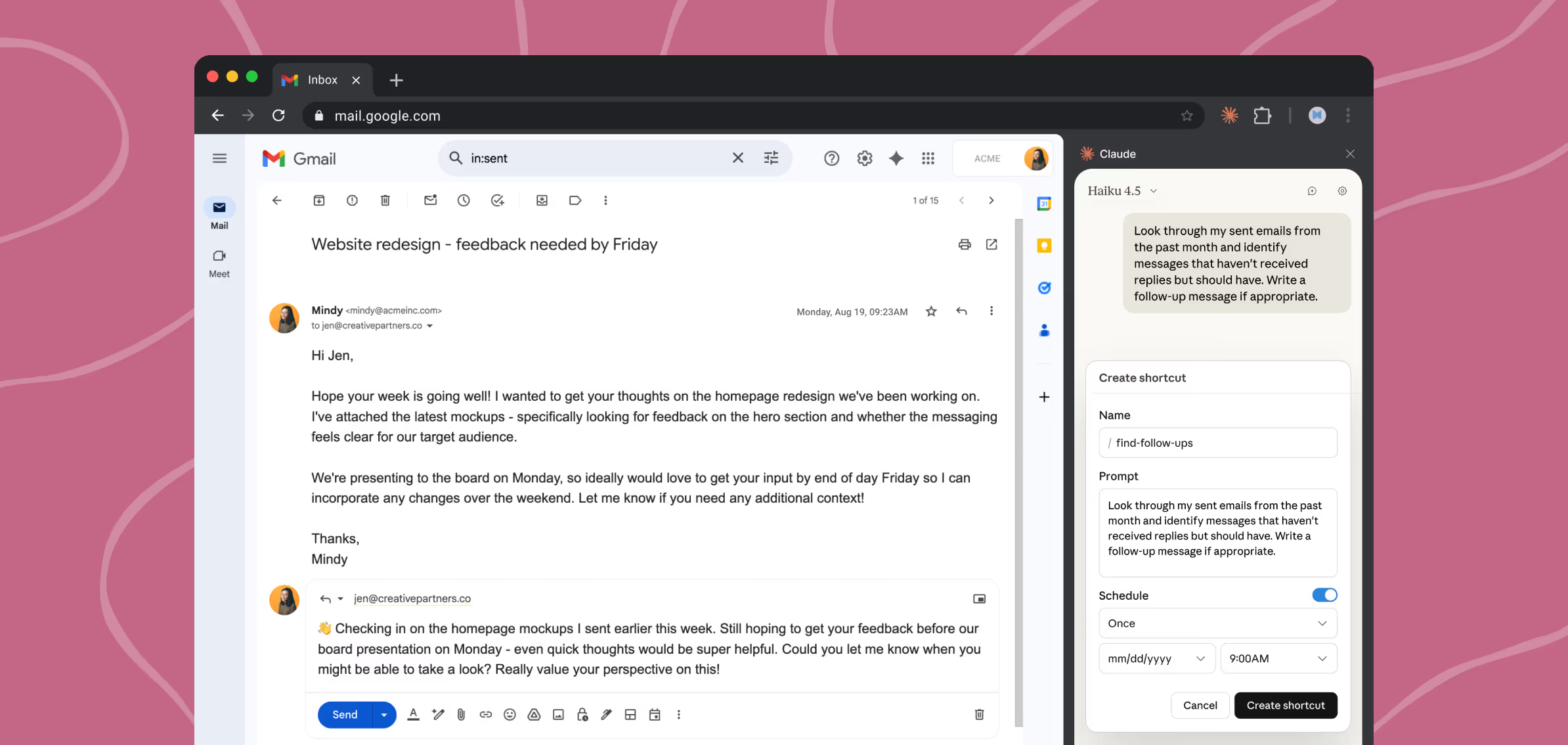
Completes scheduled workflows

Set reports, updates, and check-ins to run daily or weekly without manual triggers.

Speed up everyday tasks with Claude in Chrome

Pull metrics from analytics dashboards

Claude can navigate your analytics dashboard, extract the numbers you need, and compile them into a summary. No exports, no tab-switching, no manual copying.

Learn more

Organize files in Google Drive

Claude can sort through your Drive, create a folder structure, move files where they belong, and flag duplicates and old files for you to review. You approve the changes instead of doing the sorting yourself.

Learn more

Prepare and plan from your calendar

Claude can read your calendar, pull context from email threads, flag which meetings you need to prepare for, and book rooms if they’re missing. Run it every evening and start each day knowing what's coming.

Learn more

Research competitors, get a comparison deck

Claude in Chrome visits competitor sites and pulls pricing, features, and positioning. Cowork compiles everything into a formatted PowerPoint ready for your next strategy meeting.

Learn more

Log sales calls to your CRM

Claude can read your calendar, match attendees to Salesforce contacts, and draft activity logs for each call. You add notes and approve before anything gets created.

Learn more

Clean up promotional emails

Claude can scan through your inbox, identify marketing emails, newsletters, and automated notifications, then present them as a list for you to review before deleting in bulk.

Learn more

Claude can work in your browser and desktop

Pair Claude in Chrome with Cowork to turn research and action on the web into polished content on your desktop, without any manual handoff.

See what Cowork can do

Chrome

Claude in Chrome visits sites, reads data, clicks buttons, fills forms, and pulls data

Handoff

Context flows automatically from Chrome to Cowork without copying and pasting

Cowork

Cowork produces Excel models and comparison decks or on-brand reports

Browse safely with Claude

Claude brings AI directly to your browser. While powerful, this creates risks that bad actors may try to exploit.

Understand the risks

Start with trusted sites

Only grant permissions to familiar websites while learning how Claude works.

Review sensitive actions

Always confirm before Claude handles financial, personal, or work-critical tasks.

Watch for unusual behavior

Some sites may hide instructions that override yours. If Claude acts unexpectedly, pause and review.

Report issues immediately

Help improve safety by flagging concerning behavior through feedback options.

Guide

Mitigating the risk of prompt injections in browser use
Read more
Guide

Using Claude for Chrome Safely

Read more
Guide

Claude for Chrome Permissions Guide

Read more
Prev
Next
Prev
Next

FAQ

Developers can use Claude Code to build and test directly in Chrome. This integration enables faster iteration on browser-based projects.

Desktop app users can start a task in Claude Desktop and let it handle work in the browser without switching windows by enabling Claude in Chrome as a connector. 

Avoid financial transactions, password management, or anything involving sensitive personal data. Start with trusted sites and familiar workflows where you're comfortable having Claude take actions. Never use it for high-stakes decisions without careful supervision. And, of course, make sure your use complies with our acceptable use policy. Learn more.

Pre-approve actions that Claude can take on websites before you start working. You can review Claude's approach upfront, then let it run. Claude will still ask before taking certain irreversible or potentially harmful actions, like making a purchase. For trusted workflows, you can choose to skip all permissions, but you should supervise Claude closely. While some safeguards exist for sensitive actions, malicious actors could still trick Claude into unintended actions. Learn more.

Browser AI faces unique security risks, like prompt injection attacks, where malicious actors might try to trick Claude into unintended actions, such as sharing your bank information or deleting important files. While we’ve implemented protections, they aren’t foolproof. Attack vectors are constantly evolving and Claude may hallucinate, leading to actions that you did not intend. We’ve shared our testing results, including possible attack scenarios, so you can make informed decisions, and strongly encourage you to read about the risks before using this product. Read blog post.

On its own, Claude in Chrome helps you navigate, extract information, and take actions in your browser. Paired with Cowork, Chrome becomes the research layer for larger tasks. Claude gathers information from the web, then Cowork produces finished files like Excel workbooks, PowerPoint decks, and formatted reports.

Claude in Chrome Troubleshooting

This article helps you resolve common issues with Claude in Chrome and explains how to provide feedback.

Read more
Prev
Next

Explore what’s next

Using this feature and giving feedback directly improves what Claude can do.

Add to Chrome

This is a Google extension. The use of information received from Google APIs will adhere to the Chrome Web Store User Data Policy, including the Limited Use requirements.