今天發現Github官方的酷東西,原來只要在任何一個repo按下.,就可以把這個repo用vs code的網頁版開起來!(如下方區塊簡單易懂的影片)
對的,就是按一個點就可以開啟這個密技!
不論是大型專案可以輕鬆的依照資較夾層級瀏覽,或是臨時要改個code都可以直接在網頁上搞定,好東西不用嗎?🤣
The github.dev web-based editor is a lightweight editing experience that runs entirely in your browser. You can navigate files and source code repositories from GitHub, and make and commit code changes.
There are two ways to go directly to a VS Code environment in your browser and start coding:
- Press the . key on any repository or pull request.
- Swap
.comwith.devin the URL. For example, this repo https://github.com/github/dev becomes http://github.dev/github/dev
Preview the gif below to get a quick demo of github.dev in action.
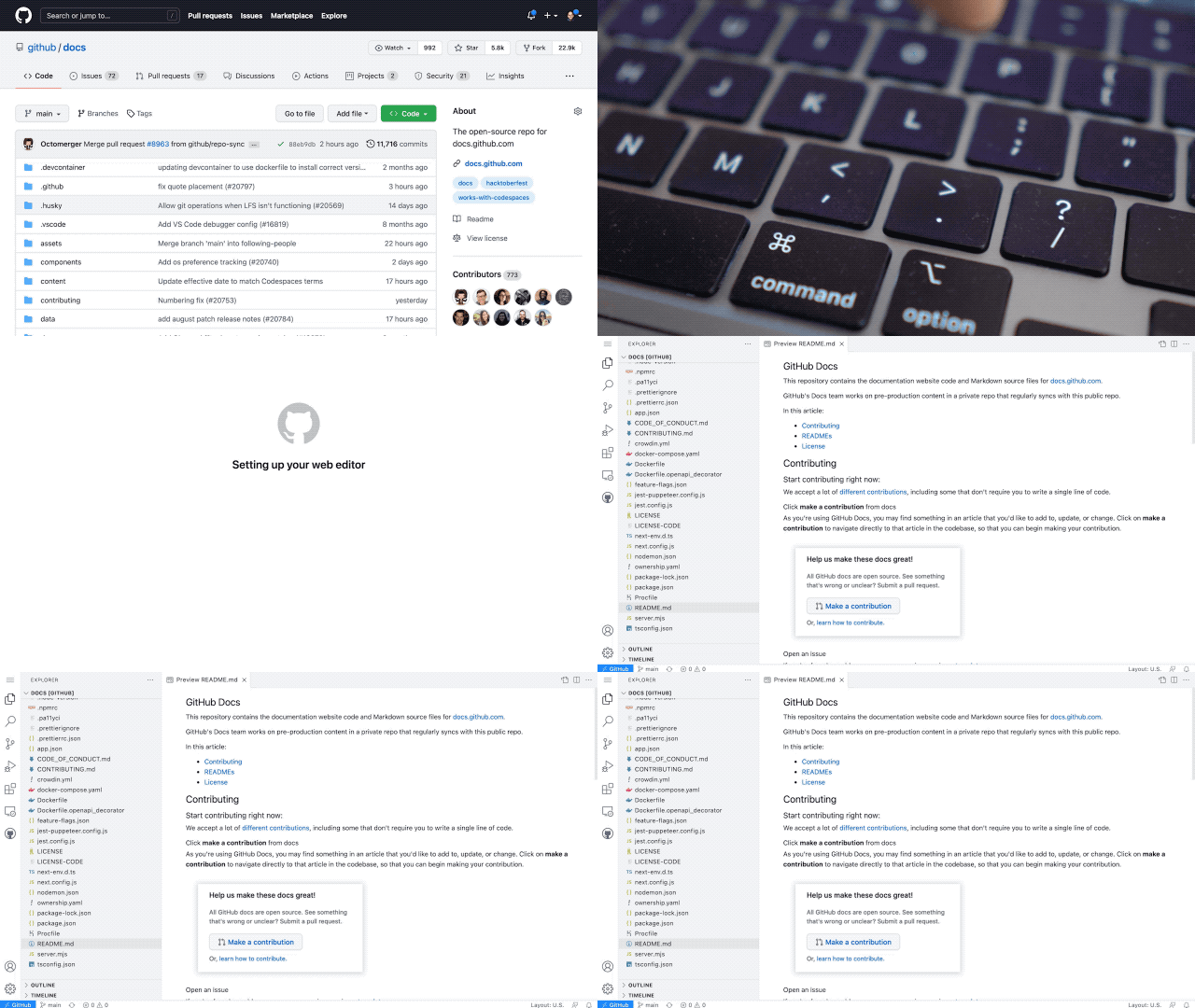
It’s a quick way to edit and navigate code. It's especially useful if you want to edit multiple files at a time or take advantage of all the powerful code editing features of Visual Studio Code when making a quick change. For more information, see our documentation.