rag-system/
├── venv/
├── docs/
│   ├── ...
├── vectorstore/
│   └── ...
├── ingest.py
├── app.py          <-- Flask application
└── templates/
    └── index.html  <-- HTML in templates folder
-
mkdir rag-system(run on WSL) -
cd rag-system -
Create a virtual environment with venv
python -m venv venv -
Activate the virtual environment
.\venv\Scripts\activatesource venv/bin/activate -
Install requirements.txt
pip install -r requirements.txt -
mkdir docsand upload files (.pdf, .txt) manually in the directory -
Install Ollama Locally
sudo snap install ollama -
Download a model with ollama
ollama pull deepseek-r1:1.5bDownloaded deepseek-r1:1.5b which is 1.1GB
See here for a list of models: https://ollama.com/search
-
ollama pull nomic-embed-text -
Flask uses a templates folder by default to find HTML files. Create this folder in your project root
mkdir templates -
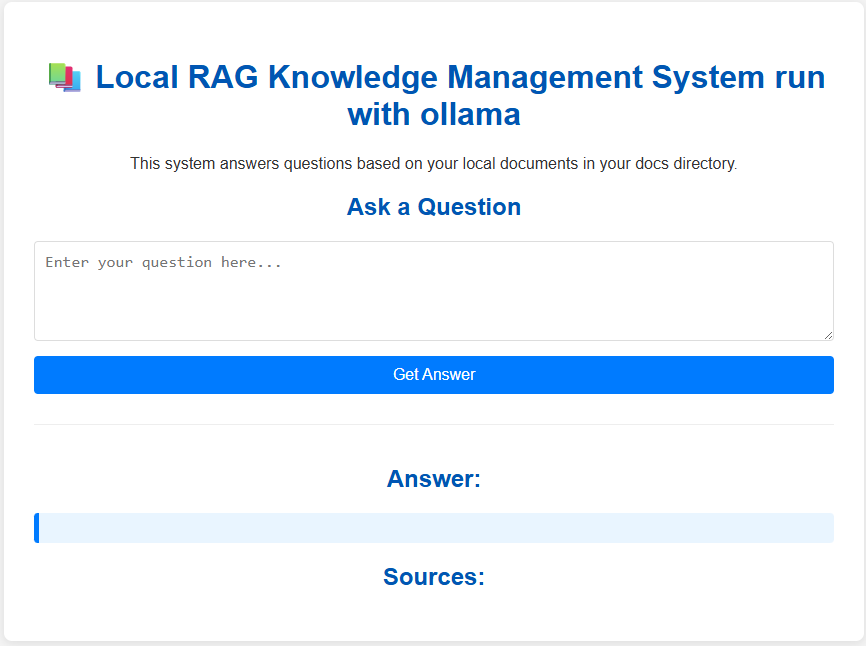
Inside the templates folder, create
index.html -
Open a new terminal and run
ollama serveThis command starts the Ollama server, do not close this terminal -
run
python ingest.py -
run
python app.py